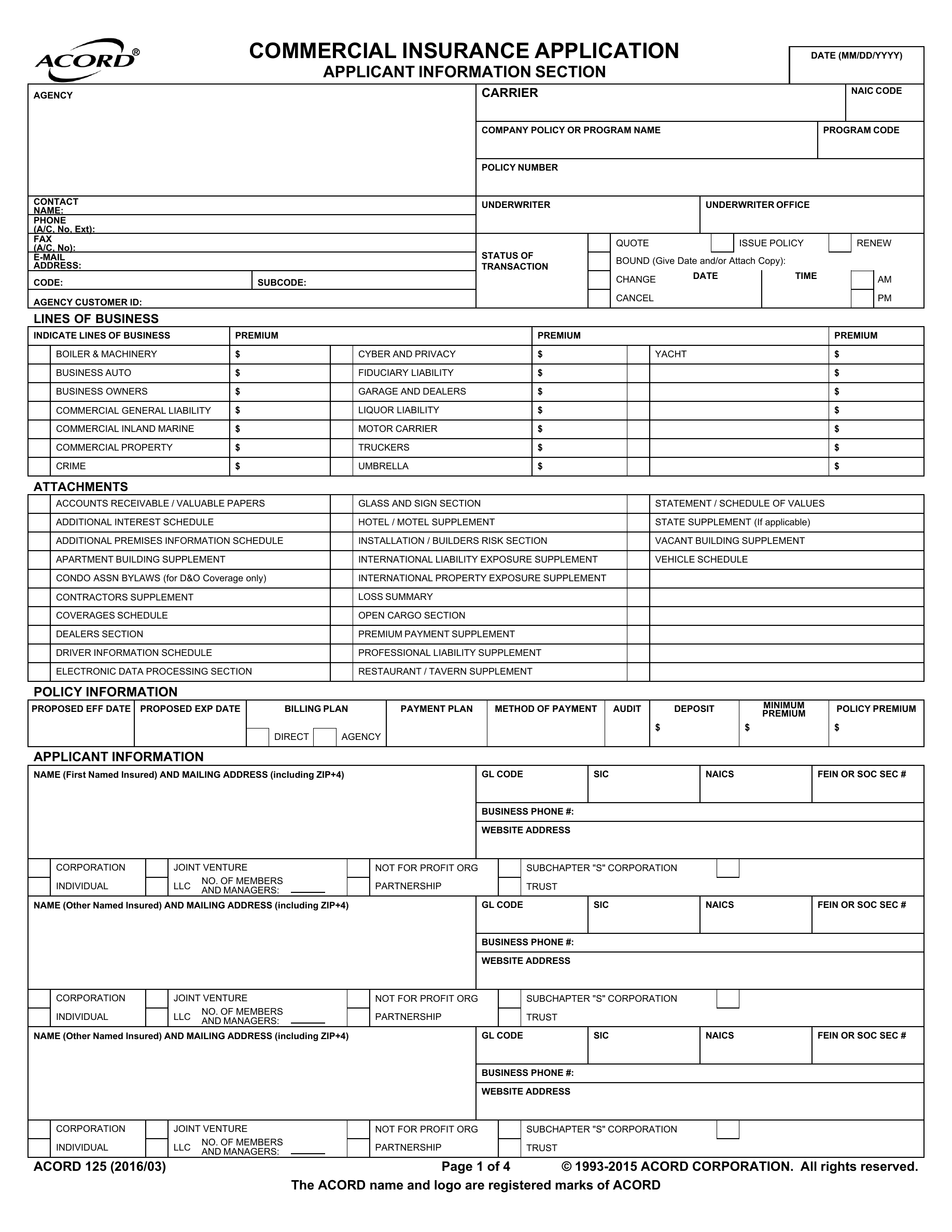
GoPass prepares the form. Your broker finishes it.
Use the answers already on the account to fill supported fields on ACORD and carrier PDFs. Unanswered questions stay open for a person to check or send back to the client.
FORM IN USE · ACORD 125
OnePass keeps an account’s people, paperwork, and conversations together from the first question to the next renewal. Your team can do the work directly, use AI for the time-consuming parts, or mix the two.
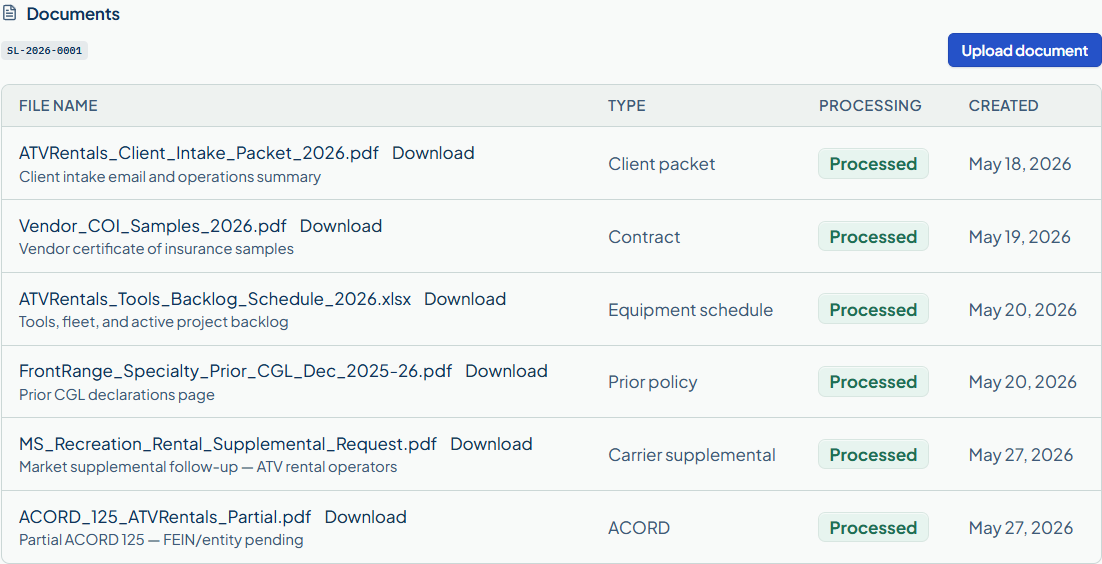
A submission rarely arrives finished. OnePass gives the team a place to collect what is missing, prepare what can be prepared, and keep the decisions with the file.
Use the answers already on the account to fill supported fields on ACORD and carrier PDFs. Unanswered questions stay open for a person to check or send back to the client.
It points to blanks, conflicting answers, missing schedules, and documents that need attention. Your broker decides what to correct, what to ask, and when the submission is ready.
Nine blank fields may already have answers elsewhere in the submission. Check the source before the packet goes out.
Finding shown to the broker · sample accountThe supporting work matters too. These tools stay connected to the same account.
Send a link or put the questions on your agency site. The answers start a working file.
See the incoming work, open the right file, and pick up where the last person left off.
Clients can answer follow-up questions, upload documents, and message their broker.
Keep contacts, submissions, open work, and the next renewal under the same account.
Applications, schedules, loss runs, and market material stay with the file.
Save confirmed answers with their sources and use them again when the next form arrives.
Review messages, find replies, and save the correspondence that belongs in the file.
Retail and wholesale partners can work on a shared placement without losing their separate records.
Work on either side of a placement, or both, with the right people seeing the right work.
Pick up the account history when it is time to go back to market.
Give your agency a public page with a route to intake and client sign-in.
A private beta assistant for finding facts and preparing work for broker review.
Give each person access to the work their role calls for.

Some teams like to handle every step themselves. Others want help reading documents, filling forms, or checking a packet. Use the parts that help your team. The broker still reviews the result and decides what goes out.
Each person gets the full desk. Included AI processing is shared by the agency, and the pool grows as you add people.
Sign in to answer your broker, send a document, or see what they need next.
Retail brokers, wholesale brokers, and teams that work on both sides of a placement. Especially when the work is in excess and surplus lines, the file changes hands often and the details matter.
See a sample submission ↗